



The fastest way to lose time in wholesale sales isn’t driving between customers. It’s entering the same order twice.
It still happens more often than many distributors would like. A sales rep writes an order during the visit, emails it to the office, someone enters it into the accounting system later, then another employee checks inventory before scheduling delivery. Every extra step increases the chance of mistakes.
Mobile order entry apps remove much of that friction. Instead of treating order capture as a separate task, modern platforms let representatives create orders, update customer records, check pricing, review inventory, and share information with the rest of the business while they’re still standing in front of the customer.
The five solutions below take different approaches, but each offers something worth considering.
1. Orders in Seconds (OIS)
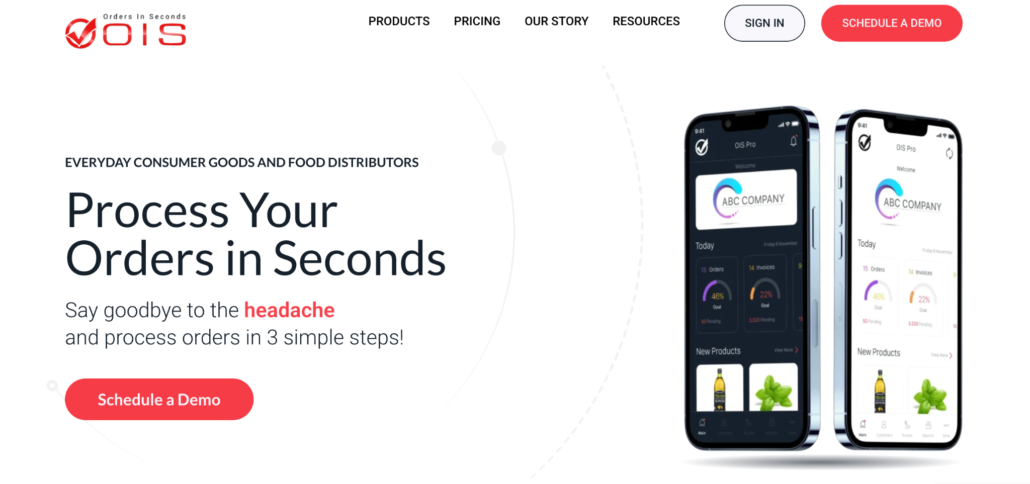
As the name suggests, Orders in Seconds focuses on making order entry as quick and straightforward as possible.
The platform gives representatives access to customer pricing, product information, account history, and digital catalogs while they’re visiting customers. Orders can be created on-site and synchronized with supported accounting systems, reducing delays between sales and fulfillment.
Its long-standing support for both QuickBooks Online and QuickBooks Desktop continues to make it a popular choice among distributors already using those platforms.
Highlights include:
- Mobile order capture
- Customer management
- Digital catalogs
- Offline operation
- Route sales support
- QuickBooks Online integration
- QuickBooks Desktop integration
- Sales reporting
Rather than expanding into merchandising or retail execution, Orders in Seconds stays focused on helping sales teams process customer orders efficiently.
Worth considering when
Fast mobile ordering is your highest priority, and your delivery workflow is already managed through existing systems.
2. SimplyDepo
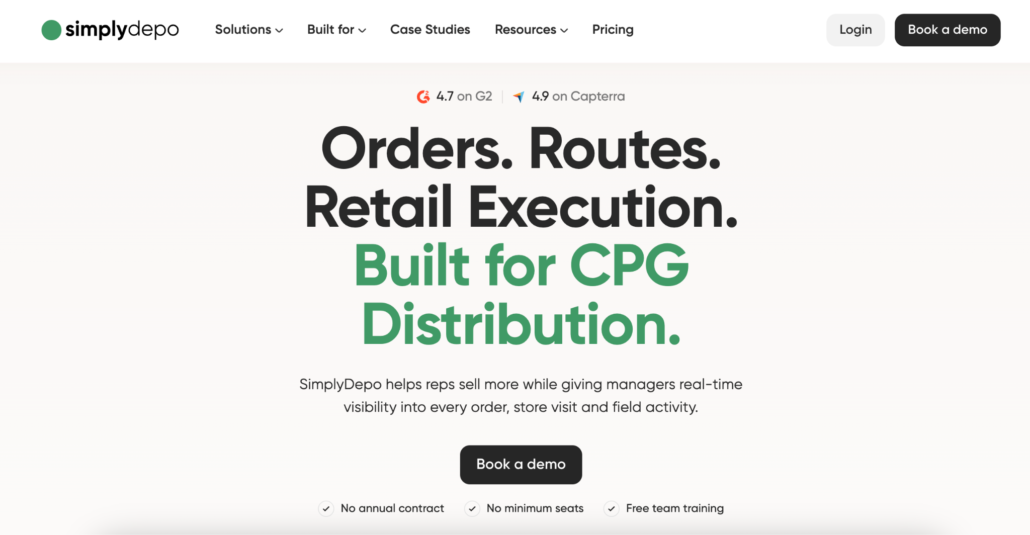
Some mobile order entry apps stop after the order is submitted. SimplyDepo treats order capture as the starting point rather than the finish line. Once an order has been created, the same application supports route planning, van sales, invoicing, proof of delivery, payment collection, and retail execution if required.
That means sales representatives don’t have to move customer information between multiple systems later in the day. Everything stays connected from the first order through final delivery.
Key capabilities include:
- Mobile order capture
- Customer account management
- Product catalogs
- Route planning
- Van sales
- Mobile invoicing
- Proof of delivery
- B2B ordering portal
- Offline functionality
- Native QuickBooks Online synchronization
For businesses where field representatives do much more than collect orders, that broader workflow can eliminate a significant amount of administrative work.
Best fit for
Wholesale distributors and self-distributing CPG brands looking for mobile order entry combined with deliveries, invoicing, and field operations.
3. Skynamo
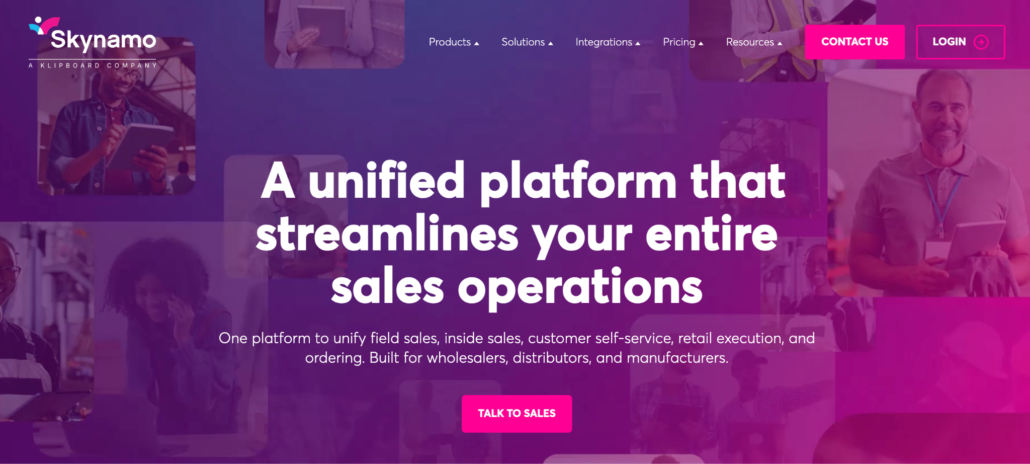
Skynamo approaches mobile ordering through the lens of relationship selling. The software helps representatives prepare for customer visits, access account histories, recommend products, and capture orders while keeping customer information organized across the sales team.
Its offline capabilities and CRM-style features make it well suited to businesses where account management is just as important as order entry.
Core functionality includes:
- Mobile order entry
- Customer visit planning
- Product catalogs
- Offline access
- Customer history
- CRM features
- ERP integrations
- Sales analytics
Instead of trying to manage deliveries or warehouse operations, Skynamo concentrates on helping sales representatives become more productive during customer visits.
A strong option for
Field sales organizations that prioritize customer relationships alongside mobile ordering.
4. Pepperi
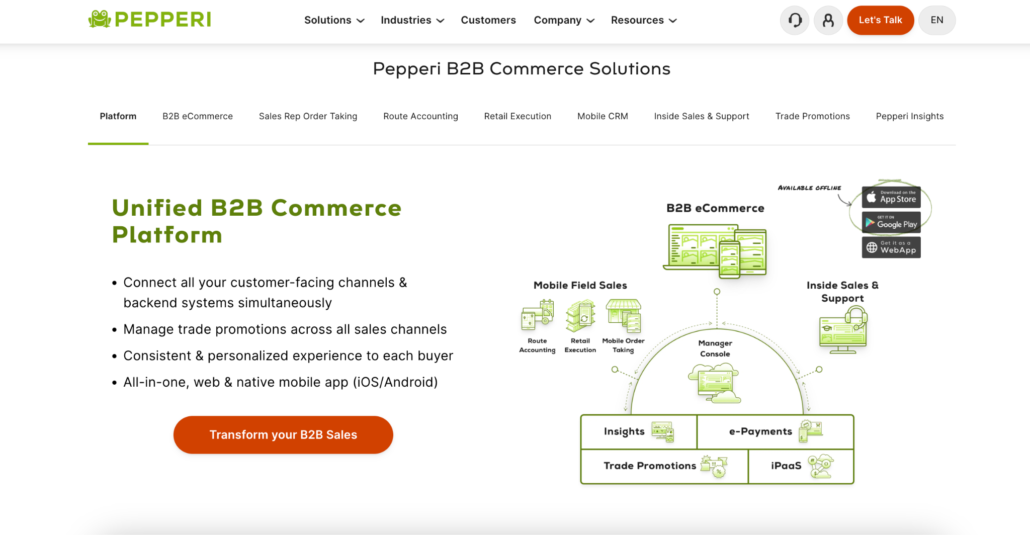
Pepperi takes a broader approach than most mobile order entry applications. Order capture is only one part of a larger platform that also supports retail execution, B2B commerce, customer-specific pricing, and workflow automation. Large organizations often choose Pepperi because mobile ordering fits naturally into their existing ERP and sales processes instead of operating as a standalone tool.
For businesses with complex catalogs or pricing rules, that flexibility can save considerable administrative work.
Key capabilities include:
- Mobile order entry
- B2B commerce
- Customer-specific pricing
- Retail execution
- Workflow automation
- ERP integrations
- Multi-language support
- Advanced reporting
The platform offers much more than simple order capture, although that also means implementation and administration are generally more involved than with lightweight mobile sales apps.
A good match for
Enterprise distributors that want mobile ordering integrated into a broader sales and commerce platform.
5. inSitu Sales
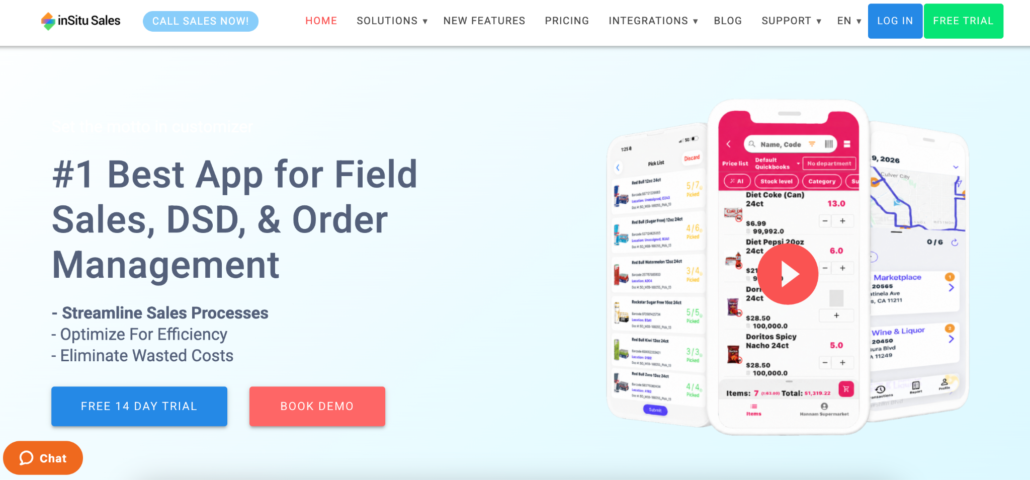
Some distributors don’t separate order entry from warehouse and delivery operations. inSitu Sales combines mobile selling with dispatch, warehouse management, inventory tracking, and customer servicing. Representatives can capture orders while office teams coordinate deliveries and inventory using the same operational environment.
That wider scope makes the platform attractive for distributors looking to manage several business functions together instead of purchasing separate applications.
The platform includes:
- Mobile order entry
- Inventory management
- Warehouse operations
- Dispatch management
- Delivery scheduling
- Customer management
- Route support
- Multi-language interface
Rather than concentrating exclusively on field sales, inSitu focuses on keeping information moving smoothly between sales, warehouse, and delivery teams.
Best suited to
Distributors that want order entry closely connected with warehouse and dispatch operations.
Offline Order Capture: Why It Matters More Than You Think
Sales representatives don’t always have reliable internet access. Industrial parks, warehouses, rural delivery routes, and even large retail buildings can all create connectivity issues. If software depends on a constant connection, productivity quickly drops. Orders get written on paper, entered later, and mistakes become much more likely.
Offline functionality removes that problem. Representatives continue working as usual, while completed orders synchronize automatically once a connection becomes available. For many distributors, that’s one of the most valuable features a mobile sales application can offer.
How Mobile Ordering Reduces Manual Errors
Typing the same information several times almost guarantees that something will eventually be entered incorrectly.
Mobile order entry eliminates many of those repeated steps by allowing representatives to create orders directly at the customer location. Product information, pricing, quantities, and customer records stay connected instead of moving through emails, spreadsheets, or handwritten notes before reaching accounting.
The result isn’t simply faster order processing. It also means fewer pricing corrections, fewer inventory discrepancies, and less time spent resolving avoidable mistakes after the workday ends.
FAQ
What is a mobile order entry app?
A mobile order entry app allows field sales representatives to create customer orders directly from a smartphone or tablet while visiting customers.
Who uses mobile order entry software?
Wholesale distributors, manufacturers, consumer goods brands, and field sales teams that regularly visit retail or wholesale customers.
Can mobile order entry apps work without internet access?
Many platforms support offline operation, allowing orders to be captured and synchronized later when connectivity returns.
What should I look for in a mobile ordering app?
Offline access, customer pricing, inventory visibility, accounting integration, and an interface that allows representatives to complete orders quickly during customer visits.
The Right App Should Do More Than Capture Orders
Order entry is only the beginning of the sales process. The best mobile applications make it easier for representatives to move from customer conversations to completed orders without creating additional work for accounting, warehouse, or delivery teams. Choosing software that fits those daily workflows will usually deliver greater long-term value than simply selecting the app with the largest number of features.